
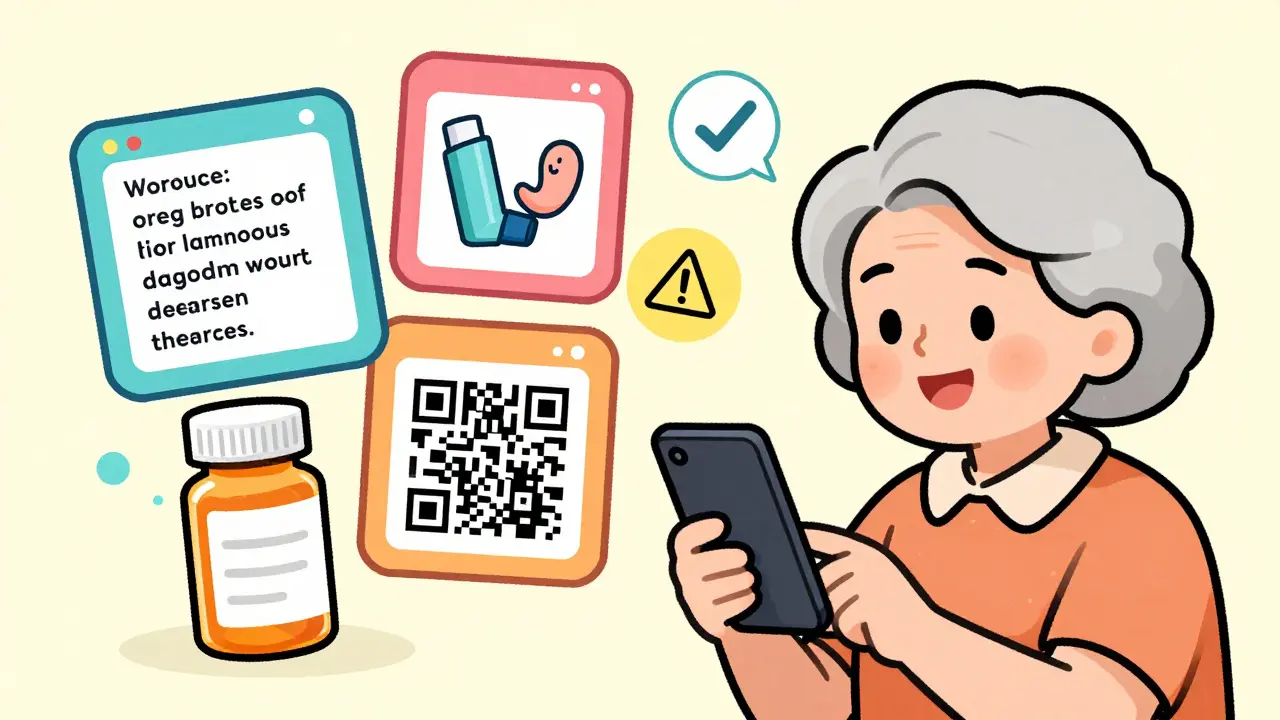
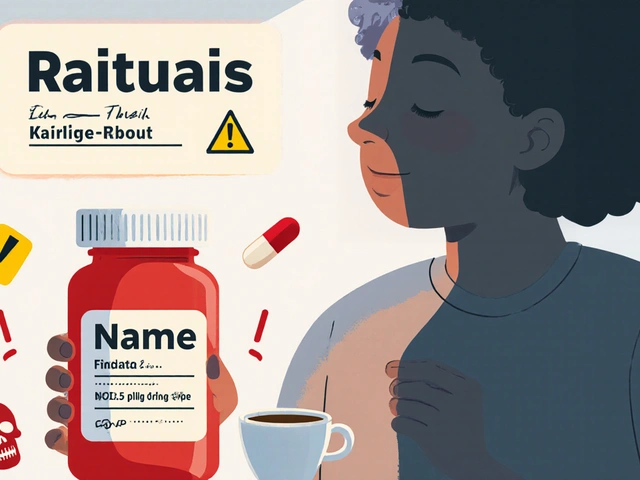
Every year, millions of people in the UK and around the world miss doses, take the wrong amount, or don’t understand their meds because the label is too small, faded, or written in confusing medical jargon. That’s where QR codes and digital prescription label tools come in. They turn a simple pill bottle into a gateway to clear, up-to-date, and personalized medication information - all with a quick scan.
It’s not science fiction. By 2024, over 88% of pharmaceutical companies using QR codes on prescription labels switched to dynamic codes - the kind that can be updated after printing. That means if your doctor changes your dose next week, the QR code on your bottle already knows. No new labels. No confusion. Just scan and see the latest info.
Why QR Codes Work Better Than Paper Labels
Paper inserts and tiny bottle labels have limits. They can’t fit all the details. They don’t update. And for people with low vision, reading them is nearly impossible. QR codes fix all of that.
A 2023 study from the Journal of Medical Internet Research found that patients who scanned QR codes on their prescriptions were 28% more likely to take their meds as directed. Why? Because the digital version shows:
- Exact dosing instructions in plain language
- Interactive warnings - like "Don’t drink alcohol with this" or "May cause dizziness"
- Video tutorials on how to use inhalers or injectables
- Reminders to refill or schedule follow-ups
- Drug interaction alerts based on your full medication list
And it’s not just patients. Pharmacists report fewer calls. One community pharmacy in Bristol saw a 63% drop in patient questions after switching to QR codes. That’s not magic - it’s clarity.
Static vs. Dynamic QR Codes: What’s the Difference?
Not all QR codes are created equal. There are two types:
- Static QR codes - These point to one fixed URL. Once printed, you can’t change them. If the info becomes outdated, the code becomes useless. Only 12% of pharmaceutical labels use these today.
- Dynamic QR codes - These link to a smart server. You can change the destination anytime - update dosage, add a video, or even switch languages. This is what 88% of drug makers now use.
Dynamic codes also track scans. So if 50 people scan your code on a Monday morning, the system knows. If 12 of them left without reading the instructions, the pharmacy can follow up. It’s not spying - it’s improving care.
For patients, it means:
- Always seeing the most current info
- No more "I thought this was for high blood pressure" mistakes
- Access to multilingual content if you’re not fluent in English
How to Set Up a QR Code for Prescription Labels
Setting this up isn’t rocket science - but it does need structure. Here’s how it works in real pharmacies and clinics:
- Choose a platform - Tools like Clappia, sQR.me, or DosePacker are built for healthcare. Don’t use free QR generators meant for websites. They don’t support security, analytics, or compliance.
- Build the landing page - This is where the magic happens. The page must include: drug name, dose, frequency, purpose, side effects, storage, and what to do if you miss a dose. Use plain language. No medical terms like "hypertensive" - say "high blood pressure."
- Link to your pharmacy system - If your pharmacy uses an EHR or pharmacy management system (like Surescripts or NCPDP), integrate the QR code so it pulls live data. That way, if your prescription changes, the QR code updates automatically.
- Print with standards - QR codes must be at least 1.5 inches square. Leave a clear border (quiet zone) of 4 modules around the code. Use high contrast - black on white works best. Avoid placing them on curved surfaces or near seams. Test them with 5 different phones under different lighting.
- Train your staff - Pharmacists and technicians need 4-8 hours of hands-on training. They must know how to explain the QR code to patients, troubleshoot scans, and access analytics.
- Educate patients - Put a simple sticker on the bottle: "Scan here for video instructions and safety info." Offer a demo at the counter. For older patients, have staff scan it for them once.
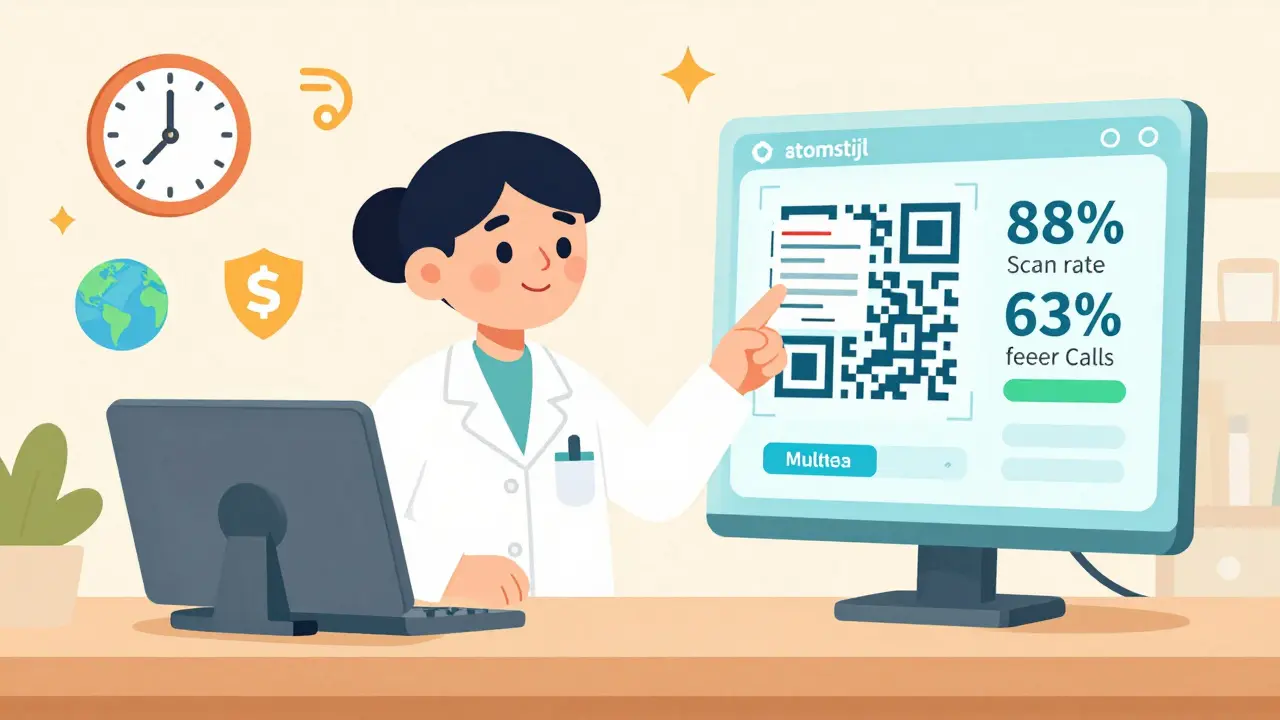
Real-World Results: What’s Working
Real clinics are already seeing results:
- DosePacker’s trial with heart failure patients: adherence jumped from 62% to 89% after adding QR codes to daily dose cups.
- Saint Francis Hospital in Bristol used QR code postcards for diabetes patients. 83% of them opened the link - and 71% watched the video on insulin injection.
- ICU nurses at a London hospital reduced IV medication errors by 41% after scanning QR codes on IV bags to confirm drug, dose, and patient ID before administration.
These aren’t outliers. They’re proof that when you give people clear, accessible info - they use it.
Pitfalls to Avoid
Not every QR code rollout works. Here are the biggest mistakes:
- Using static codes - If you print a static code and the drug’s warning changes next month, you’re putting patients at risk.
- Too much text - Landing pages with 500-word paragraphs? No one reads them. Break it into short sections with icons.
- No fallback - If someone can’t scan it (no internet, old phone, bad lighting), they need a phone number or printed summary. The FDA and EMA both require this.
- Ignoring accessibility - 38% of patients over 65 need help scanning. Offer staff-assisted scanning. Add audio narration. Don’t assume everyone has a smartphone.
- Forgetting regulatory rules - Singapore’s HSA requires certain info to appear on the physical label even if the QR code has more. The EU is moving toward mandatory QR codes by 2026. Know your local rules.
What’s Next? The Future of Digital Labels
The next wave is even smarter:
- AI-powered alerts - Scan a code and get a warning: "You’re taking this with another drug that can cause liver damage."
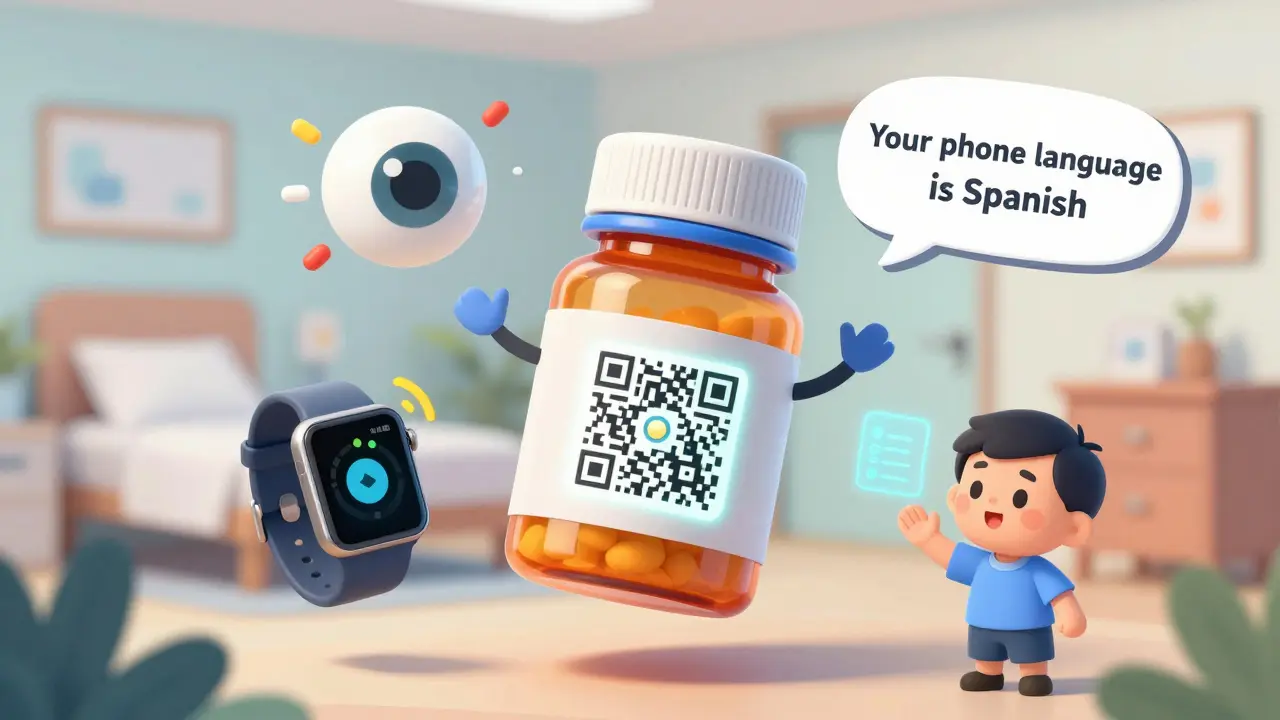
- Language auto-detection - Scan on your phone, and the page loads in your phone’s language - no manual selection needed.
- Integration with wearables - Your smartwatch could vibrate if you haven’t scanned your QR code to confirm you took your pill.
- EU-wide mandate - By 2026, all prescription medications sold in the EU must have a QR code linking to official product info.
This isn’t about replacing paper. It’s about making paper smarter. The goal isn’t tech for tech’s sake - it’s to prevent mistakes, reduce hospital visits, and help people feel confident about their meds.
What Patients Should Do Today
If you’re on prescription meds:
- Look for a QR code on your bottle or box. It’s usually near the barcode.
- Use your phone’s camera - no app needed. Most phones scan QR codes automatically.
- Check if the page loads quickly. If it doesn’t, ask your pharmacist for help.
- Don’t ignore it. The info might include warnings you didn’t know about.
- If you can’t scan it, ask for a printed summary or a video link sent to your email.
It’s a small step. But it could keep you safe.
Do I need an app to scan a prescription QR code?
No. All modern smartphones - iPhones from 2017 and Android phones from 2018 onward - can scan QR codes using the built-in camera. Just open your camera, point it at the code, and wait for a pop-up. No download needed. If nothing happens, check your phone’s settings to make sure QR scanning is turned on.
What if I don’t have a smartphone or can’t use one?
Pharmacies are required to provide a paper backup. If the QR code leads to critical safety info, the label must still include the most important details: drug name, dose, how often to take it, and key warnings. Ask your pharmacist for a printed summary. Some clinics also offer audio versions you can call on a landline.
Can the QR code be hacked or lead to a scam site?
Legitimate pharmaceutical QR codes use secure, encrypted links tied to official hospital or pharmacy systems. They’re not random URLs. If you’re scanning a code from your prescription bottle, it’s safe. Never scan codes from unknown sources - like flyers or social media. Always verify the URL after scanning: it should start with https:// and belong to a known pharmacy or drug manufacturer.
Why does my QR code sometimes take a while to load?
Slow loading usually means poor internet or a poorly designed landing page. Good systems load in under half a second. If it takes longer than 3 seconds, the pharmacy may need to optimize their page. Ask them if they’ve checked Google’s Core Web Vitals standards. Also, try scanning in a different location - sometimes Wi-Fi in pharmacies is weak.
Are QR codes replacing pill bottles entirely?
No. Physical labels will still be required by law in most countries. QR codes are an addition - not a replacement. The goal is to give you more info than a tiny label can hold. But if you can’t scan it, you should still be able to read the basics from the bottle. Regulations require both.
11 Comments

Emma Nicolls
March 17 2026
i love this so much like honestly why hasnt every pharmacy done this yet like its 2025 and we still giving people tiny labels with words so small you need a magnifying glass and a PhD in latin to read em

Richard Harris
March 19 2026
We rolled this out at our pharmacy last year. The drop in calls was real. Used to get 20+ calls a day about "is this the blue pill or the green one?" Now? One scan. Done. Staff time saved. Patients less stressed. Win win.

Sabrina Sanches
March 21 2026
I scanned my insulin bottle yesterday and it played a video in Spanish. I didn’t even ask for it. My phone’s language setting did it automatically. I’m not even fluent but I understood. This is the future and it’s quiet and beautiful.

Shruti Chaturvedi
March 22 2026
in india we still struggle with people who dont have smartphones but the audio backup option is a game changer. my aunty called the toll free number and heard her med instructions in hindi. she said it felt like someone was talking to her. thats care right there

Rex Regum
March 24 2026
Oh here we go. Another tech utopia fantasy. You think a QR code fixes poor healthcare design? What about the 70-year-old with no phone? The one who lives 30 miles from the nearest pharmacy? The one who can’t afford data? This isn’t innovation-it’s exclusion dressed up in neon. And don’t get me started on "dynamic" codes. Who’s maintaining the server? Who’s liable when it crashes? Someone’s gonna die because a URL expired. And then we’ll all be like, "oh look, tech failed again."

Devin Ersoy
March 25 2026
Wow. This is the kind of thing that makes me want to cry. Not from joy. From rage. Because we’ve had this tech since 2012. And now, in 2025, we’re acting like it’s some revolutionary breakthrough? Please. The real innovation would’ve been mandating this in 2018. Now we’re just catching up to what every damn e-commerce site has been doing for a decade. Kudos on the 88%, but let’s not pretend we’re pioneers-we’re latecomers in a race we should’ve won in 2015.

Katherine Rodriguez
March 26 2026
I dont even trust these codes anymore. what if the gov puts a tracker in them? or the pharma companies start selling your scan data? i mean i know they say its secure but like... remember when facebook said they werent selling data? and then they did? this feels like the same thing. plus why does my pill bottle need to be connected to the internet? i just want to take my damn medicine

Scott Smith
March 26 2026
The part about AI alerts and wearable integration is where this gets powerful. Imagine your watch buzzing because you missed a dose, and your phone auto-opens the QR page with a reminder video. That’s not convenience. That’s dignity. We treat chronic illness like a personal failure. This makes it a system problem-and fixes it with grace.

Leah Dobbin
March 27 2026
I mean, it’s cute that they’re using QR codes. But let’s be real-this is just another layer of corporate surveillance wrapped in a bow labeled "patient empowerment." The real solution? Better drug labeling standards. Lower prices. Less jargon. Not a digital band-aid on a broken system. And if you think this is going to be accessible to low-income communities? Please. The digital divide isn’t a footnote here-it’s the whole damn chapter.

Sally Lloyd
March 28 2026
I read somewhere that the FDA is testing QR codes that link to a blockchain ledger. What if someone hacks the ledger and changes your dosage? Or what if the government forces a mandatory update that adds a hidden ad? I’m not saying it’s happening. I’m saying we need to ask. And we need to ask now. Before it’s too late.

Kelsey Vonk
March 16 2026
This is so needed. I’ve been helping my grandma with her meds for years, and she always gets confused. The first time she scanned her QR code and saw a video of how to use her inhaler? She cried. Not because it was emotional-because she finally understood. No more guessing. Just scan. Simple.